
Colorize Black & White Photos Free
Add realistic, natural color to old black & white photos with AI — faithfully, without redrawing faces. Preview free, then pay just $3.99 to download. No subscription, no $119/year plan.
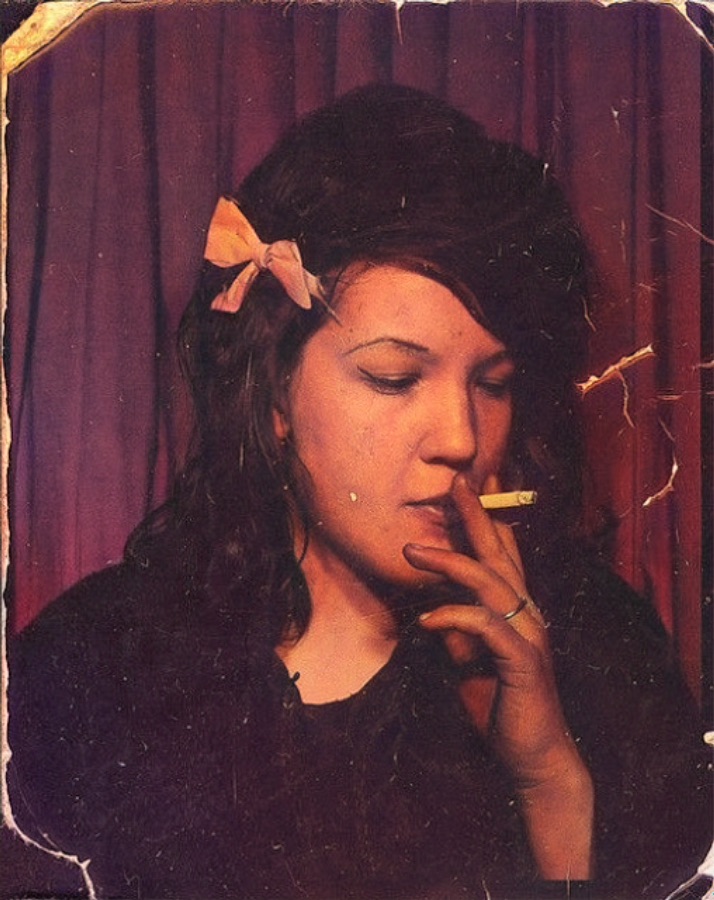
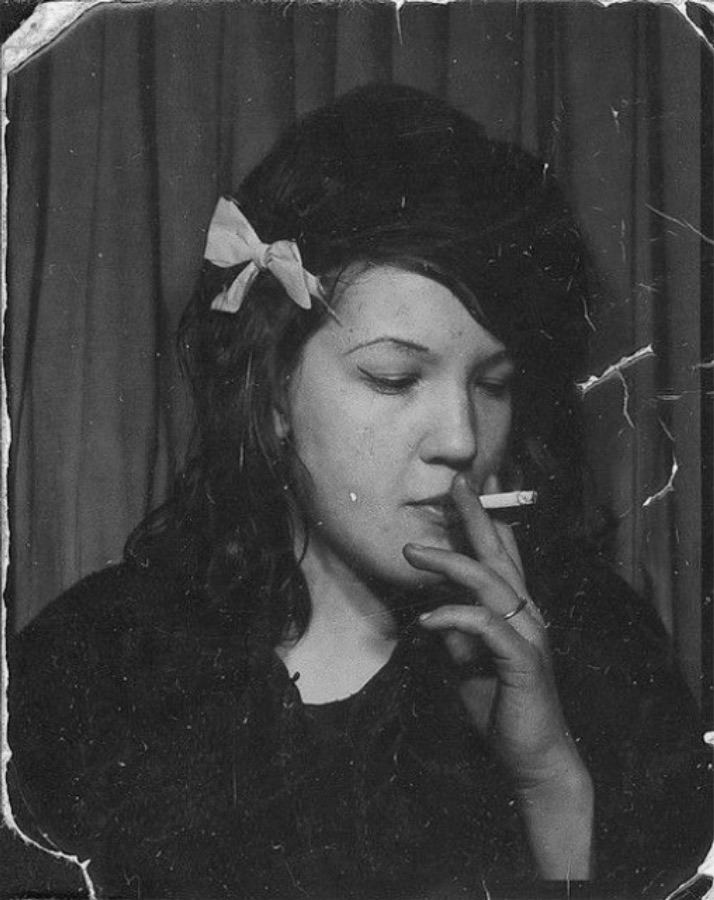
Example — drag the slider to see the color added. Upload your own above.
Photo also scratched or damaged? Try Museum-Grade Restoration — restore, colorize and 4K-upscale in one pass.
How it works
- 1Upload your black & white photo
Drop in any B&W, sepia or faded photo — JPG, PNG or WebP up to 12MB.
- 2Get a free AI preview
Our colorizer adds realistic, historically natural color in about 30–60 seconds — it recolors the real pixels, it doesn't redraw faces. The preview is free (watermarked).
- 3Download the colorized photo
Pay just $3.99 once to download the clean, full-resolution color version — no watermark, no subscription.
How to colorize a black and white photo
To colorize a black and white photo, upload it above and download the color result. Stork uses DDColor, a dedicated colorization model that predicts realistic, natural colors for skin, clothing, foliage and sky based on what it has learned from millions of real photos. Crucially it is non-generative — it adds color to your real pixels rather than redrawing the image, so faces and details stay exactly as they were. That faithfulness is what makes it safe for irreplaceable family and historical photos.
What you can use it for
See your grandparents and ancestors in realistic color for the first time.
Add believable, period-accurate color to wartime and vintage photos.
Colorize old wedding and studio portraits to reprint and frame.
Color a box of old family photos for less than a single month of a genealogy subscription.
Read more
MyHeritage charges $119/year to remove a watermark — here's the pay-once way →Will AI ruin Grandma's face? Why generative colorizers hallucinate →
Frequently asked questions
- Is the colorizer free?
- You can preview any colorization for free — the result is shown with a watermark. Downloading the clean, full-resolution color file is $3.99 once (or $2.49 from prepaid credits). No subscription.
- How is this different from MyHeritage or Palette.fm?
- MyHeritage makes you buy a $119/year genealogy plan just to remove its watermark; Palette.fm's pay-once entry is $49 and its free output is shrunk to 500×500. Stork is $3.99 per photo, full-resolution, no account-bundle required.
- Won't free AI like Gemini do this?
- Generative AI like Gemini redraws the photo — it can invent facial features and change how the person looks. Our colorizer is non-generative: it adds color to the real pixels, so Grandma still looks exactly like Grandma.
- Will it change the photo?
- No — it preserves every detail and the composition; it only adds color. It's the opposite of a generative 'reimagine' tool.
- Is my photo private?
- Your uploads are processed securely and never shared or sold. Previews are watermarked, and the color file is only accessible after you pay to unlock it.
- Do I need an account?
- Yes — a free Google sign-in, which gives you 3 free previews per day and keeps your downloads and balance in one place.
Before & after
Faithful, non-generative color — faces and detail untouched.
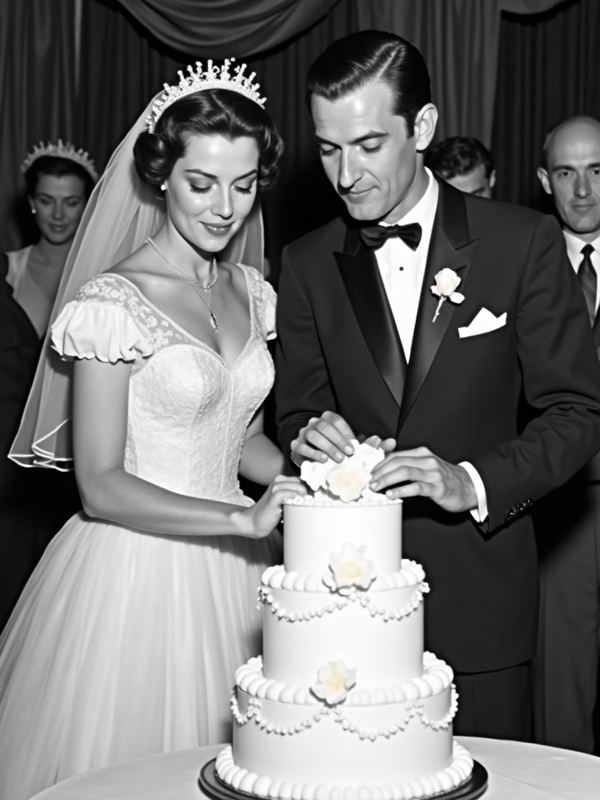 Before
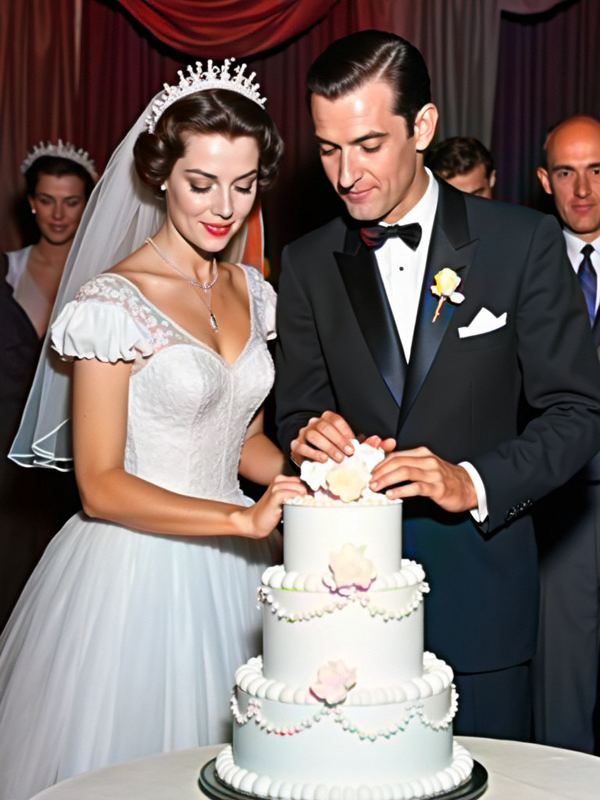 After
After Before
 After
After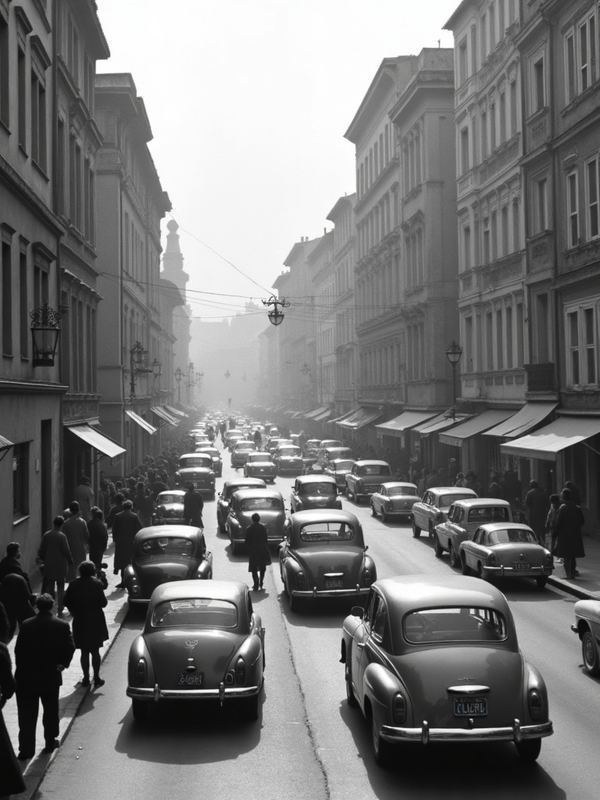 Before
 After
AfterColorize by photo type
Why use Stork for this
We pay for the strong models so your result is worth keeping — not a watered-down free filter.
No subscription and no auto-renewal. Keep a small balance and spend only when you download.
Uploads are processed securely and never shared or sold. The clean file unlocks only after you pay.
See the real result (watermarked) before you spend a cent. Not great? You walk away.
Featured in articles
People also use

 BeforeAfter
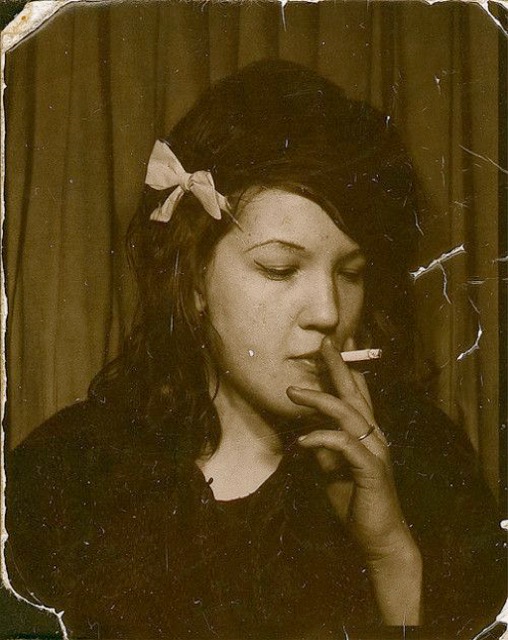
AI Photo Restoration
$1.99Repair old, blurry or damaged photos and rebuild faces.

 BeforeAfter
Museum-Grade Photo Restoration
from $7.99The deep restore: repair, colorize and 4K-upscale in one pass.

 BeforeAfter
AI Image Upscaler
$1.49Sharpen and enlarge any image up to 4× — clean HD, no blur.