Matcha Filter Remover
Take the viral green matcha filter off a photo and get natural colour back in about ten seconds. 99¢ per photo — no account, and refunded automatically if it fails.

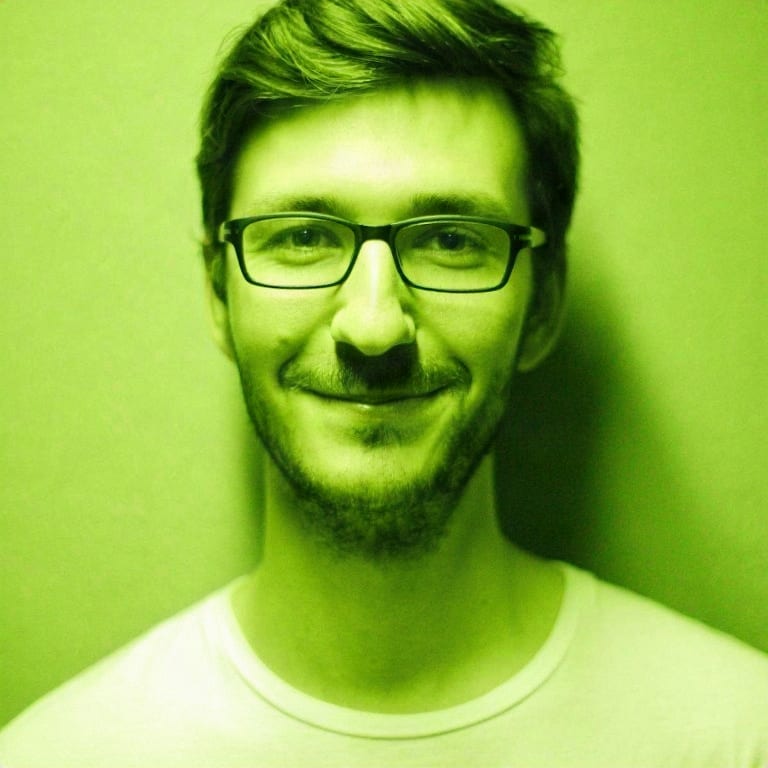
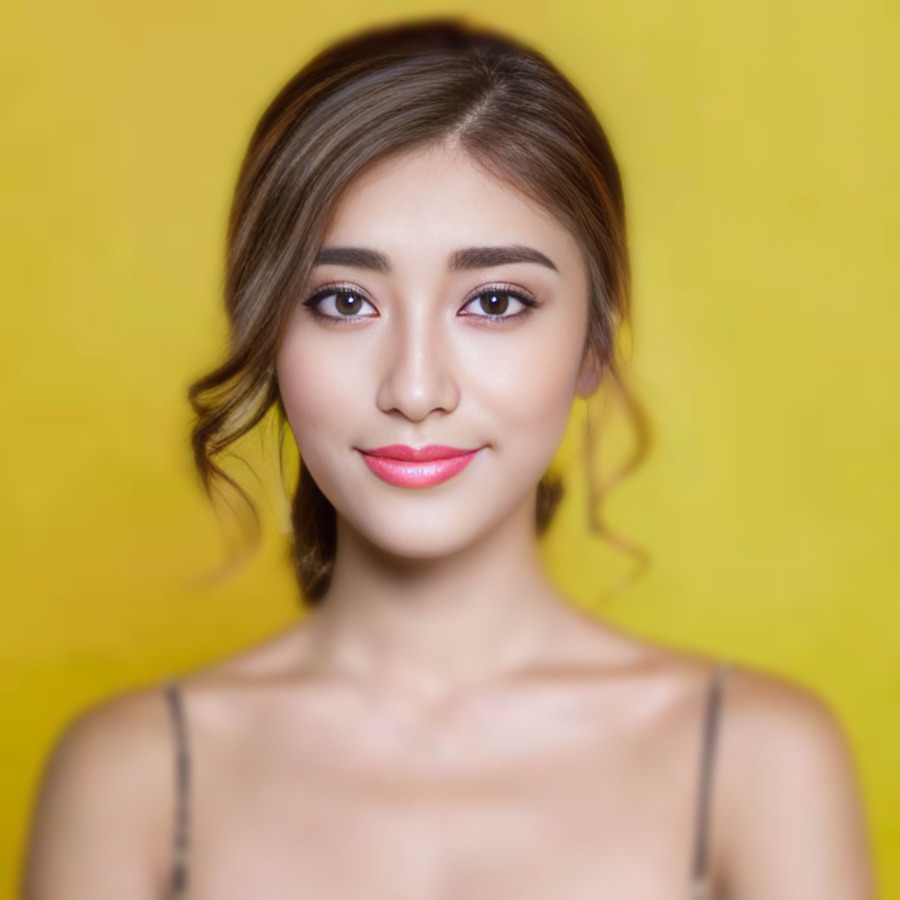
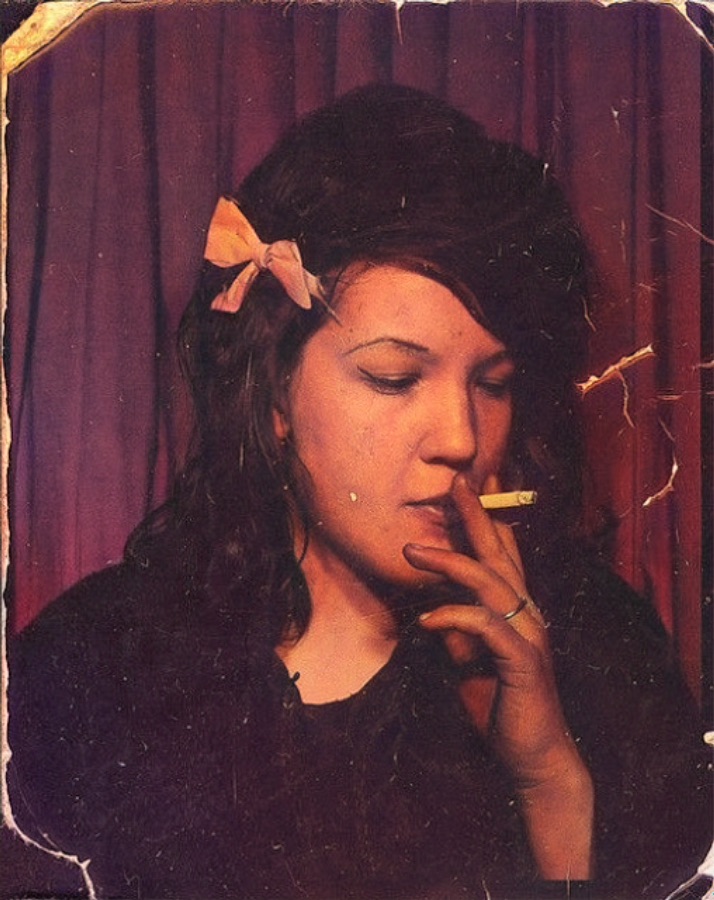
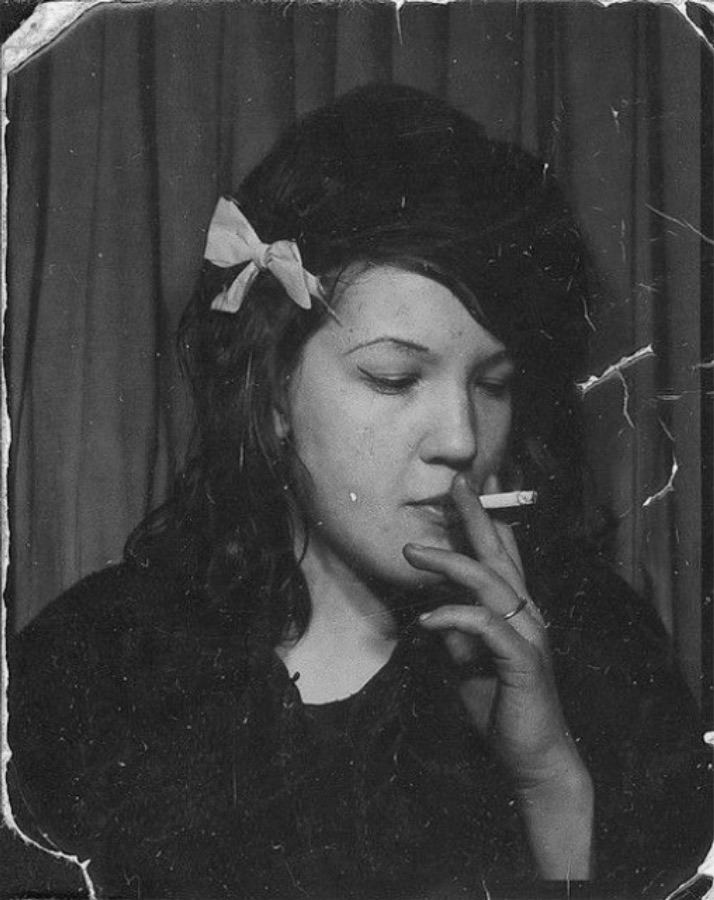
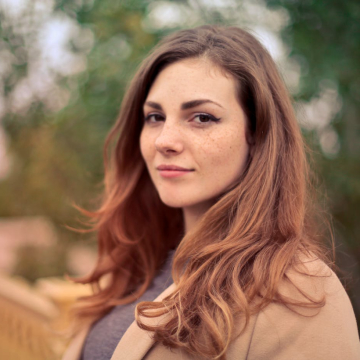
Example — drag the slider to see the colour come back. Upload your own above.
How it works
- 1Upload the green photo
Drop in the matcha-filtered photo — JPG, PNG or WebP up to 12MB. It works on the strong olive-green version as well as the lighter wash. Working from a video? Pause on the frame you want, screenshot it, and upload the screenshot.
- 2Pay 99¢
One photo, one charge — no account, no subscription, no credit pack to buy first. If the render fails you are refunded automatically.
- 3Download the clean file
The model rebuilds a natural-colour photo in about ten seconds and the full-resolution file downloads straight away — no watermark.
What the matcha filter is
The matcha filter is the viral TikTok effect officially called “wild hearts whisper.” It replaces every colour in a photo or video with shades of matcha green — dark olive in the shadows, pale yellow-green in the highlights — and lays a fine embossed grain over the whole frame. The result flattens the palette to a single hue and makes fine detail hard to read, which is exactly why people want it off again.
Reconstruction, not recovery
This matters more here than on most tools, so it's worth being plain about. A colour filter is lossy: once every hue has been mapped onto one green ramp, the information that told them apart is gone. Nothing can read it back. What this tool does is rebuild a realistic photograph that is consistent with what survived — natural skin tones, plausible hair and clothing colours, normal white balance — and it is very good at that. But the result is the model's interpretation, not your original file. Colours can come back different, and fine detail the filter destroyed does not return.
The same follows for the other thing people ask. This is not a see-through tool, a clothing remover, or a way to uncover content someone used the filter to hide — it cannot do that, and any output that looks like it did is invention, not evidence. Don't present a reconstruction as someone's real photo, and don't upload images of other people that you don't have permission to process. Those uses are against our terms.
What you can use it for
You posted with the matcha effect, deleted the original, and want a normal version back.
Someone sent you the green version of a picture you're in and you'd rather see it in colour.
The green look reads as a TikTok trend; a natural version travels better everywhere else.
Curiosity. The filter flattens everything to one hue — this puts a plausible palette back.
Frequently asked questions
- Does this recover my original photo?
- No, and no tool can. The matcha filter throws colour information away, so what comes back is an AI reconstruction — a realistic photo consistent with what the filter left behind, not the file you started with. Skin tones, clothing colours and fine background detail are the model's best guess and may differ from the original.
- Will it show what's underneath a filtered video or photo?
- No. It removes a colour effect; it does not see through anything, undress anyone or uncover content the filter is hiding. If detail was never in the image, the model cannot invent the truth — only something plausible. Using it to try to expose someone is against our terms.
- How much is it?
- 99¢ for one photo. There is no free tier: every render costs us real GPU time, and giving it away simply meant nobody ever paid. You need no account and there is no subscription, and if the render fails you are refunded automatically.
- What is the matcha filter?
- It's the viral TikTok effect officially named "wild hearts whisper": a heavy olive and yellow-green duotone plus a fine embossed grain laid over the whole frame, which flattens colour and makes detail hard to read.
- Can you remove the matcha filter from a video?
- Not from the video file itself — this is a photo tool. The way to do it: play the video, pause on the frame you want, take a screenshot, and upload that screenshot here. You get the same reconstruction for that frame. Doing a whole clip frame by frame is not practical, and any site promising a one-click video version is doing the same thing to a handful of frames.
- Natural or Strong?
- Start with Natural; it's faithful and handles most photos. Switch to Strong when the green is very dense or the grain is heavy — pick before you pay, since each render is a separate 99¢ photo.
- Is my photo private?
- Uploads are processed securely and are never shared or sold, and nothing is generated until you have paid.
- Do I need an account?
- No. Pay by card and the file downloads straight away. Signing in is optional and just keeps your past results in one place.
Why use Stork for this
838 results created with this tool
We pay for the strong models so your result is worth keeping — not a watered-down free filter.
No subscription, no auto-renewal, and no credit pack to buy first. You pay for the photo you came for.
Uploads are processed securely and never shared or sold, and nothing is generated until you have paid.
If the render fails you get your money back automatically — you are never left holding a charge for nothing.