Free AI Photo Unblur
Make a blurry, soft or out-of-focus photo clear and sharp with AI — without the plastic, over-processed look. Preview free, then pay just $3.99 to download. No subscription, no $9.99/week.


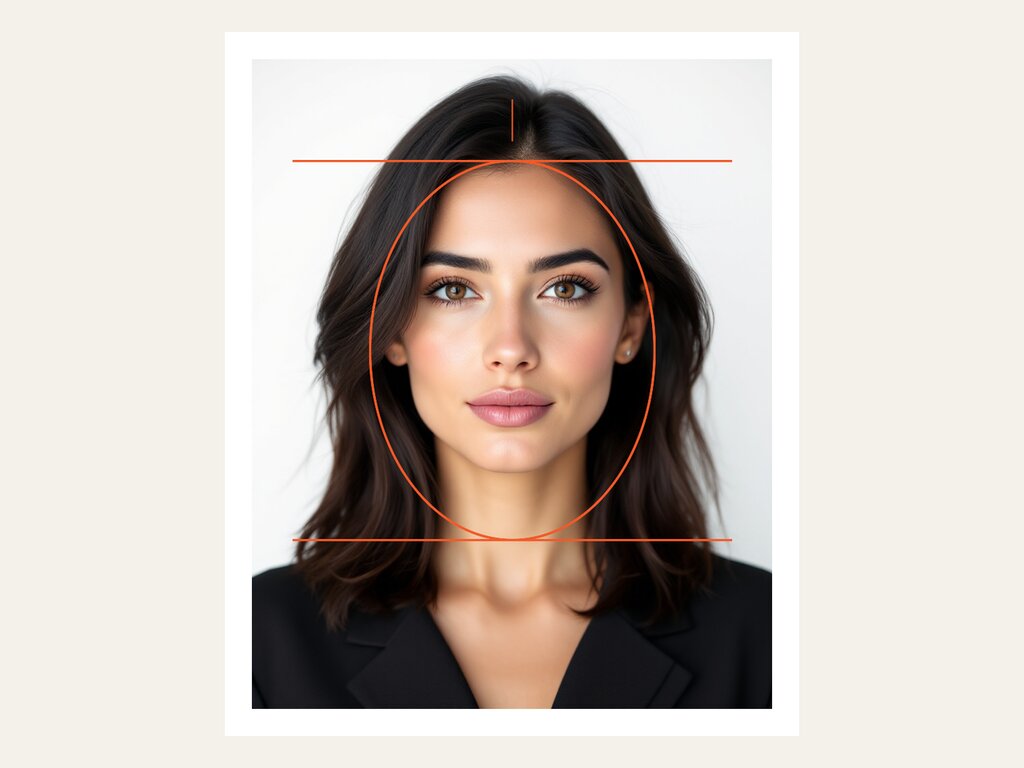
Example — drag the slider to see the sharpening. Upload your own above.
Old or damaged photo instead? Restore an old photo · Need it bigger? Upscale to HD/4K
How it works
- 1Upload your blurry photo
Drop in any blurry, soft or out-of-focus photo — JPG, PNG or WebP up to 12MB. Works great on selfies and phone snaps.
- 2Pick how strong
Choose Natural, Balanced or Strong. Natural keeps your face exactly yours — no plastic, airbrushed look. You get a free watermarked preview in ~30–60s.
- 3Download the sharp photo
Pay just $3.99 once to download the clear, full-resolution file — no watermark, no subscription, no weekly charge.
How to unblur a photo
To unblur a photo, upload it above, choose a strength, and download the sharpened result. Stork uses an AI model that understands faces and textures — so instead of a simple sharpen filter (which just adds harsh edges), it reconstructs the detail that blur destroyed: eyes, skin, hair and lettering. The Natural setting preserves your real features so the photo still looks like you, just in focus. It works best on out-of-focus, soft, low-light and mild motion-blur photos.
What you can use it for
Rescue a great shot ruined by camera shake or a missed focus — keep it looking like you.
Recover crisp detail from soft, low-light or motion-blurred phone pictures.
Make blurry text, signs and scanned images readable again.
Get a sharp, natural profile picture without the over-processed AI look.
Read more
How to unblur a blurry photo (without paying $9.99/week) →Remini charges $520/year — here's the pay-once alternative →
Frequently asked questions
- Is the photo unblur tool free?
- You can preview any unblur for free — the result is shown with a watermark. Downloading the clean, full-resolution file is $3.99 once (or $2.49 from prepaid credits). There is no subscription.
- How is this different from Remini?
- Remini charges $6.99–9.99 per WEEK (about $360–520 a year), watermarks your free result and tends to over-smooth faces into a plastic, airbrushed look that can change how you look. Stork is pay-once, no watermark on the download, and the Natural setting keeps your real face.
- Will it make my face look fake or 'plastic'?
- Not on the Natural setting — it's tuned to keep your real skin texture and identity. Use Strong only when a photo is very blurry and you want maximum reconstruction.
- What kinds of blur can it fix?
- Out-of-focus, soft, low-light and mild motion-blur photos, especially ones with faces. Extremely blurred or tiny images recover less detail.
- Is my photo private?
- Your uploads are processed securely and never shared or sold. Previews are watermarked, and the clean file is only accessible after you pay to unlock it.
- Do I need an account?
- Yes — a free Google sign-in, which gives you 3 free previews per day and keeps your downloads and balance in one place.
Before & after
Genuinely blurred inputs, sharpened by the tool — no plastic faces.
 Before
 After
After Before
 After
AfterUnblur by problem
Why use Stork for this
We pay for the strong models so your result is worth keeping — not a watered-down free filter.
No subscription and no auto-renewal. Keep a small balance and spend only when you download.
Uploads are processed securely and never shared or sold. The clean file unlocks only after you pay.
See the real result (watermarked) before you spend a cent. Not great? You walk away.