
Free AI Image Upscaler
Sharpen and enlarge any image with premium AI. Preview the result free, then pay just $1.49 to download the clean, full-resolution file — no subscription.
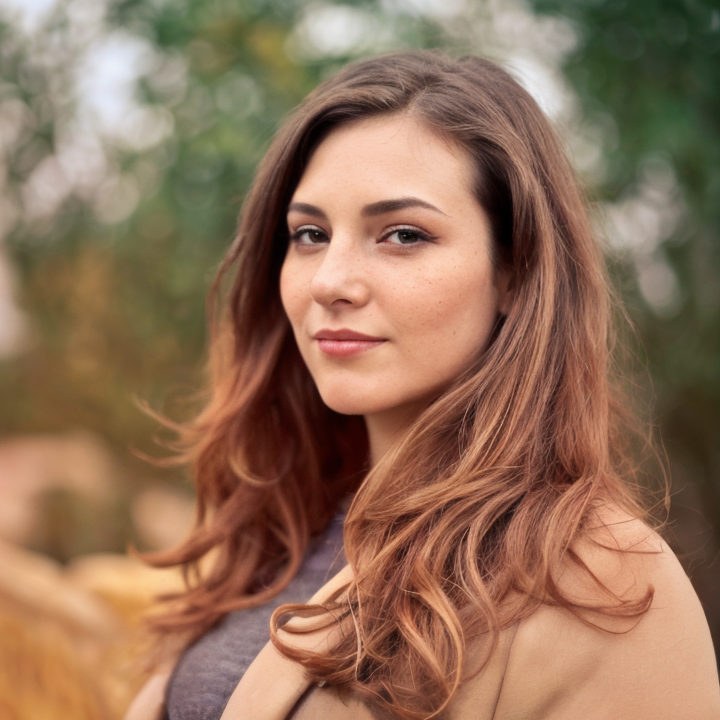
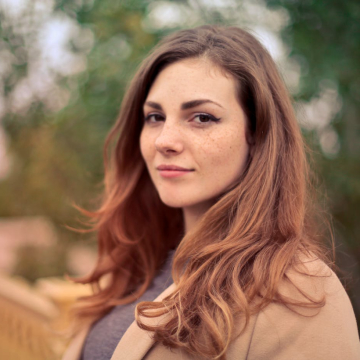
Example — drag the slider to see what premium AI upscaling does. Upload your own above.
How it works
- 1Upload your image
Drop in any JPG, PNG or WebP up to 12MB — a photo, product shot, screenshot or old low-res image.
- 2Get a free AI preview
Our premium Clarity model reconstructs detail and sharpens your image in about 30–60 seconds. The preview is free (watermarked).
- 3Download the clean HD file
Like what you see? Pay just $1.49 to download the clean, full-resolution result — no subscription, no watermark.
What is AI image upscaling?
AI image upscaling increases an image’s resolution while reconstructing detail that simple resizing can’t recover. Traditional upscalers stretch existing pixels (bilinear or bicubic interpolation), so the result is larger but soft and blurry. A modern AI upscaler like the Clarity model used here predicts plausible high-frequency detail — sharper edges, cleaner textures, crisper faces — producing a result that looks genuinely higher-resolution rather than just enlarged.
What you can use it for
Make small or compressed product images crisp enough for the storefront and zoom views.
Enlarge images for posters, canvases and banners without the blur of traditional resizing.
Bring detail back to small, dated or heavily-compressed pictures.
Sharpen avatars, thumbnails and headshots that look soft after platform compression.
Read more
Frequently asked questions
- Is the AI image upscaler free?
- You can preview any upscale for free — the result is shown with a watermark. Downloading the clean, full-resolution file is $1.49 (or just 50¢ each if you keep a small prepaid credit balance). There is no subscription.
- How much does it cost?
- $1.49 per clean HD download — or 50¢ each from a prepaid credit balance. You pay per use, with no monthly fee and no subscription.
- What image formats and sizes are supported?
- JPG, PNG, WebP and most common image formats, up to 12MB per image.
- How is this different from a free upscaler?
- Most free tools enlarge with simple pixel interpolation — bigger, but still blurry. Stork uses Clarity, a creative AI upscaler in the class of Magnific that reconstructs real detail rather than just stretching pixels.
- Is my photo private?
- Your uploads are processed securely and are never shared or sold. Previews are watermarked, and the clean file is only ever accessible after you pay to unlock it.
- Do I need an account?
- Yes — a free Google sign-in. It gives you 3 free previews per day and keeps your credit balance and downloads in one place.
Before & after
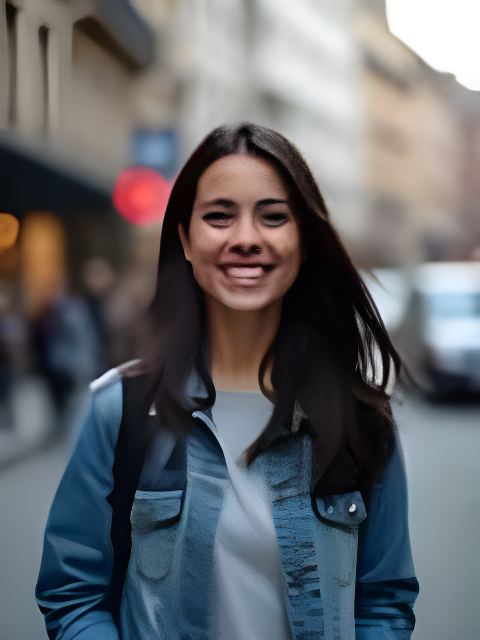
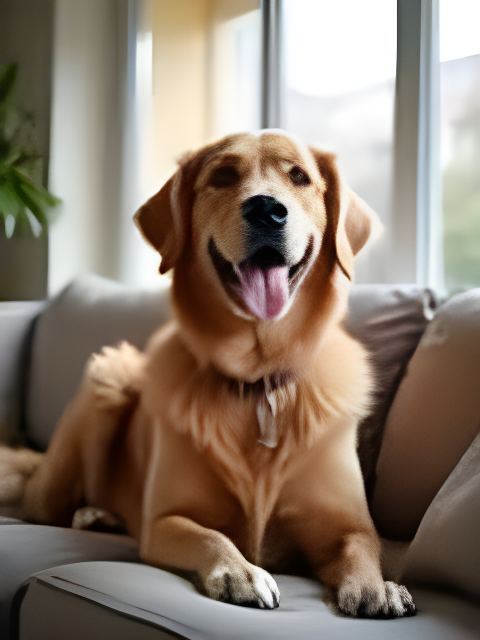
Tiny 160px inputs, upscaled 4× by the tool.
 Before
 After
After Before
 After
AfterUpscale by source
Why use Stork for this
We pay for the strong models so your result is worth keeping — not a watered-down free filter.
No subscription and no auto-renewal. Keep a small balance and spend only when you download.
Uploads are processed securely and never shared or sold. The clean file unlocks only after you pay.
See the real result (watermarked) before you spend a cent. Not great? You walk away.
Featured in articles
People also use

 BeforeAfter
AI Photo Restoration
$1.99Repair old, blurry or damaged photos and rebuild faces.

 BeforeAfter
AI Photo Unblur
$3.99Make a blurry photo clear and sharp — without the plastic look.
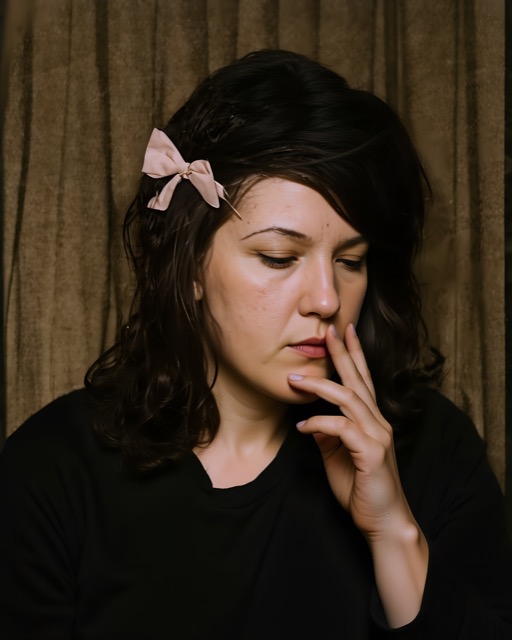
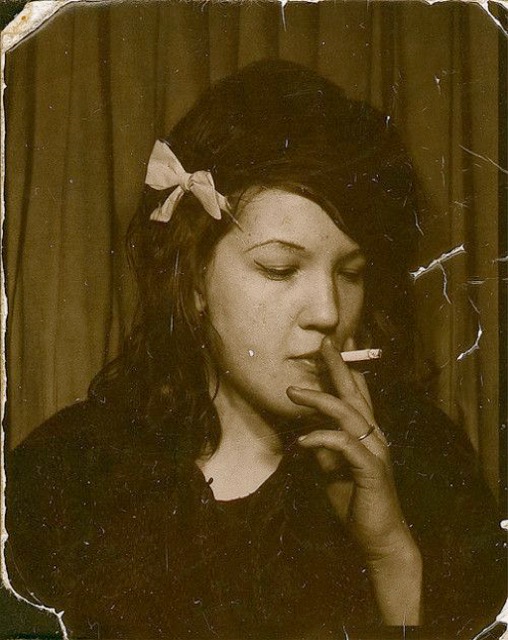 BeforeAfter
Museum-Grade Photo Restoration
from $7.99The deep restore: repair, colorize and 4K-upscale in one pass.