AI Wall Art Generator
Make print-ready wall art with AI — real 300 DPI files with a commercial license, pay once. No subscription, no pixelated downloads. Preview free, then $7.99 to download.
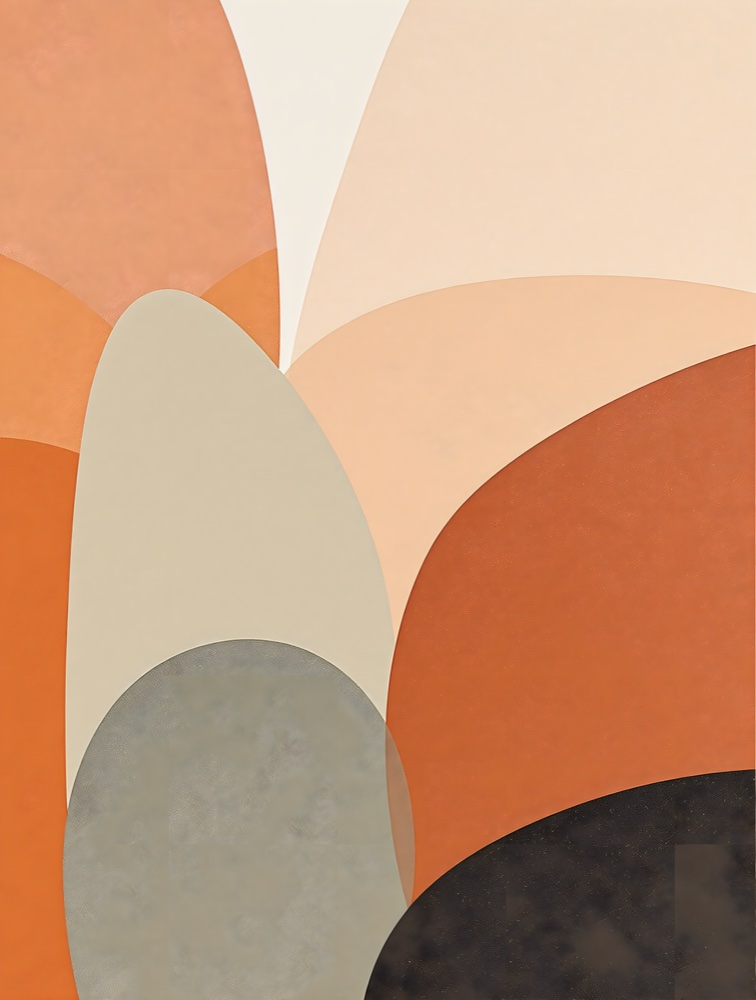
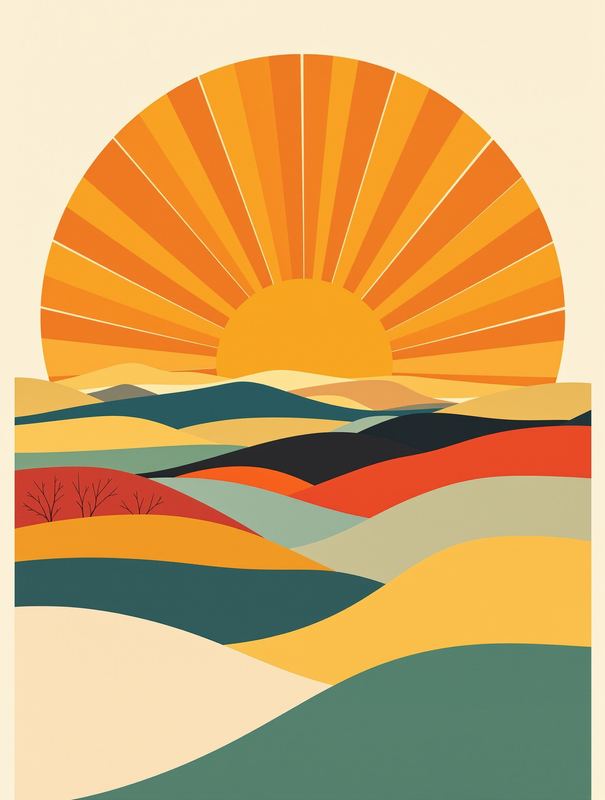
Example — “arched organic shapes”, boho. Describe your own above.
Each download includes a commercial license — print, sell and use the art commercially. Generated at high resolution and upscaled for true print quality.
Free Google sign-in to see your result — no card, no subscription. Then $0.00 to download.
How it works
- 1Describe your art
Type what you want — “arched organic shapes” — and pick a style: boho, abstract, botanical, nursery, minimalist and more.
- 2Get a free preview
A gallery-quality print appears in about a minute, generated at high resolution and upscaled for print. The preview is free (watermarked).
- 3Download print-ready + license
Pay $7.99 once to download the full-resolution file (≈3584×4736 px) with a commercial license included — no subscription, no watermark.
Why most AI wall art prints badly
The #1 complaint about AI wall art is that it looks great on screen and pixelated on paper. That's because most free tools output around 1 megapixel — fine for a phone, useless on a frame. A clean 300 DPI print at 12×16 inches needs roughly 13 megapixels. Stork generates at high resolution and then upscales, delivering a ~17-megapixel file — and bundles the commercial license into one price, instead of renting it to you monthly.
Styles
Read more
How to make print-ready AI wall art (without the pixelation) →AI wall art commercial license, explained →
Frequently asked questions
- Is it really print resolution?
- Yes. Each piece is generated at about 4 megapixels and upscaled to roughly 3584×4736 px — a clean 300 DPI print up to ~12×16in, and ~18×24in at 200 DPI. That's far beyond the ~1 MP most free tools deliver (which pixelates when you print it).
- Can I sell prints I make?
- Yes — a commercial license is included in the one-time price. You can print, sell and use the art commercially (e.g. on Etsy or print-on-demand). No attribution, no royalties, no separate license to buy.
- How is this different from the subscription tools?
- Tools like Wallnora and Recraft gate full resolution and the commercial license behind a monthly plan; some even keep your images public. Here you pay once per piece, get full resolution and the license, and owe nothing recurring.
- What sizes can I print?
- The file is a portrait 3:4 ratio, which crops cleanly to standard portrait frames — 8×10, 11×14, 12×16, 16×20 and 18×24 inches (and A-series). Print at home or via any print shop.
- Is it free to try?
- You can preview any piece for free (watermarked). Downloading the clean, print-ready file is $7.99 once, or $5.99 from prepaid credits. No subscription.
- Do I need an account?
- Yes — a free Google sign-in, which gives you free previews each day and keeps your downloads and balance in one place.
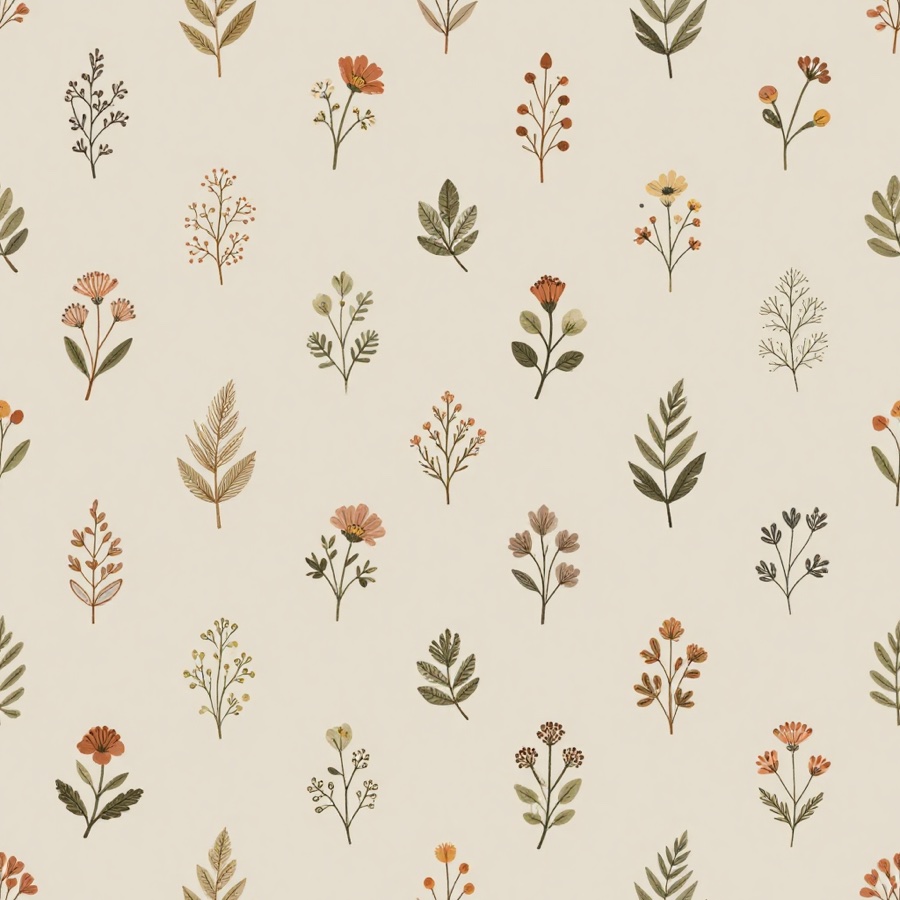
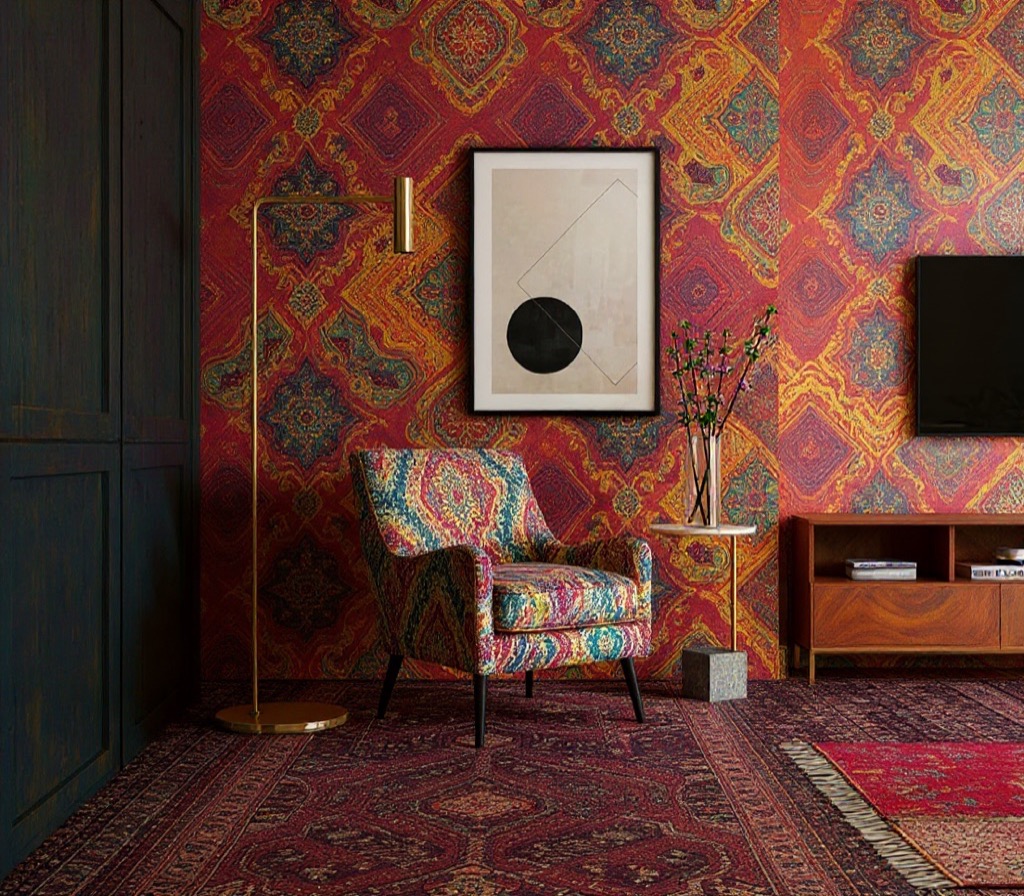
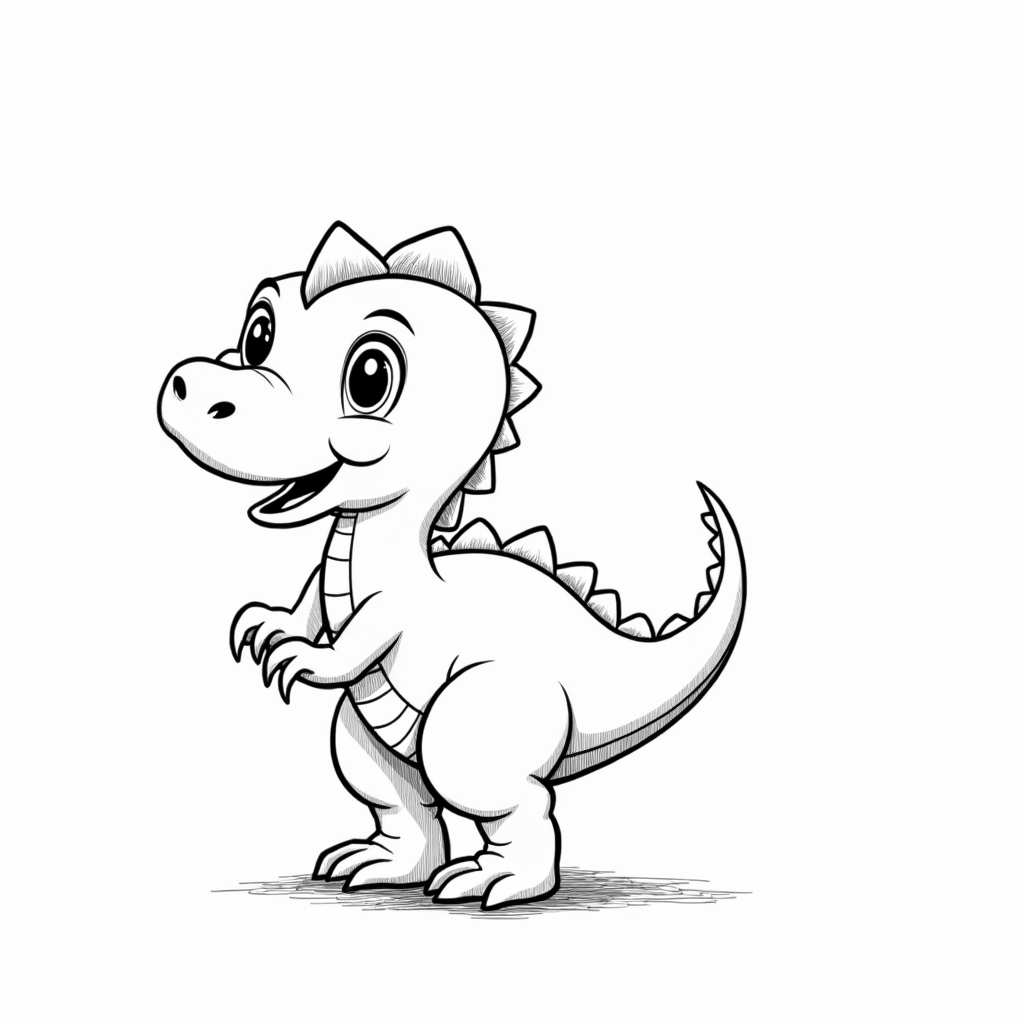
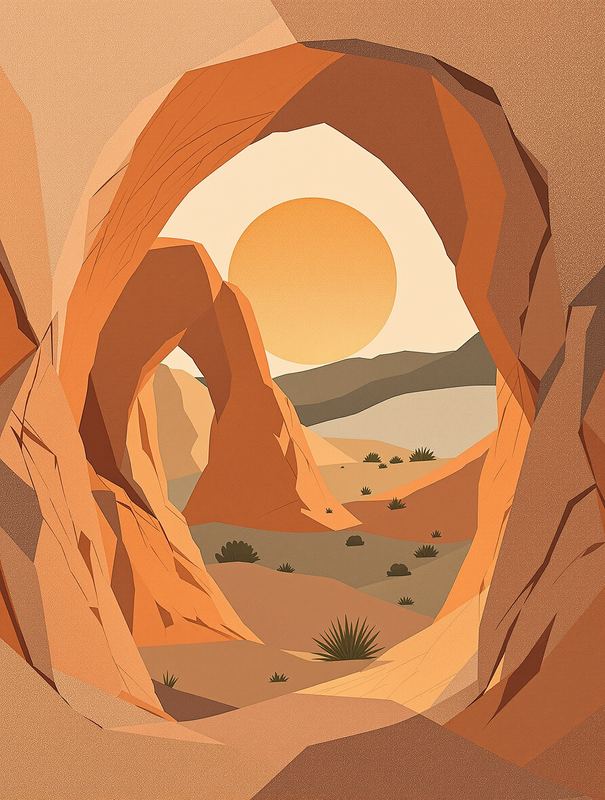
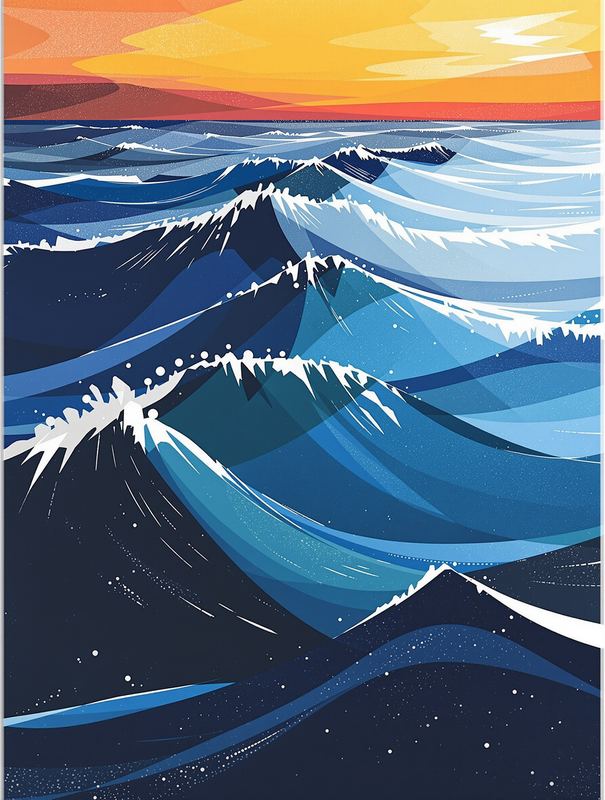
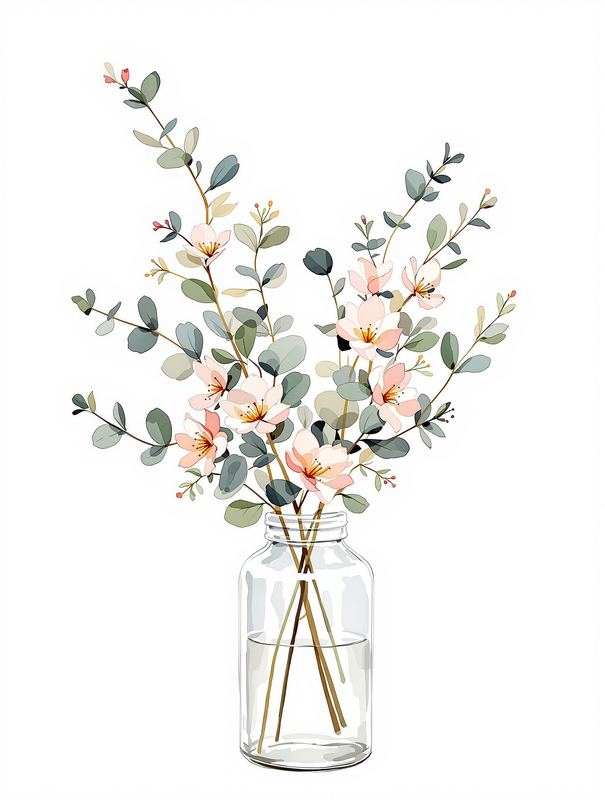
Example prints
Real generator output, shown at web size — downloads are true print resolution.
Browse wall art styles
Why use Stork for this
We pay for the strong models so your result is worth keeping — not a watered-down free filter.
No subscription and no auto-renewal. Keep a small balance and spend only when you download.
Uploads are processed securely and never shared or sold. The clean file unlocks only after you pay.
See the real result (watermarked) before you spend a cent. Not great? You walk away.