
Colorize Military Photos
Colorize Military Photos with AI — add realistic color to old service and uniform photos, faithfully and without redrawing faces. Preview free, then pay just $3.99 to download. No subscription.
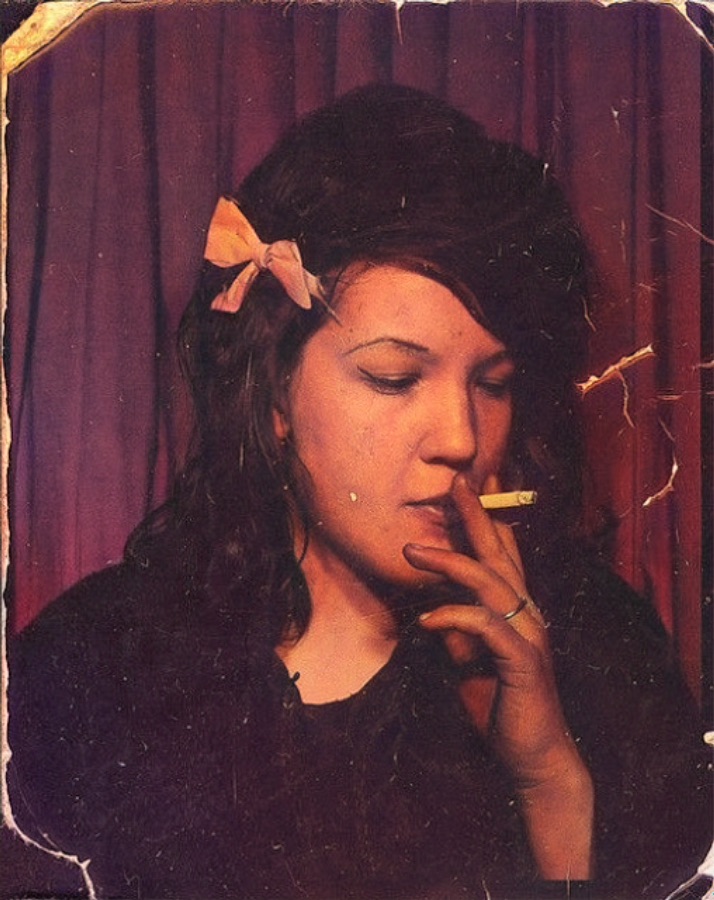
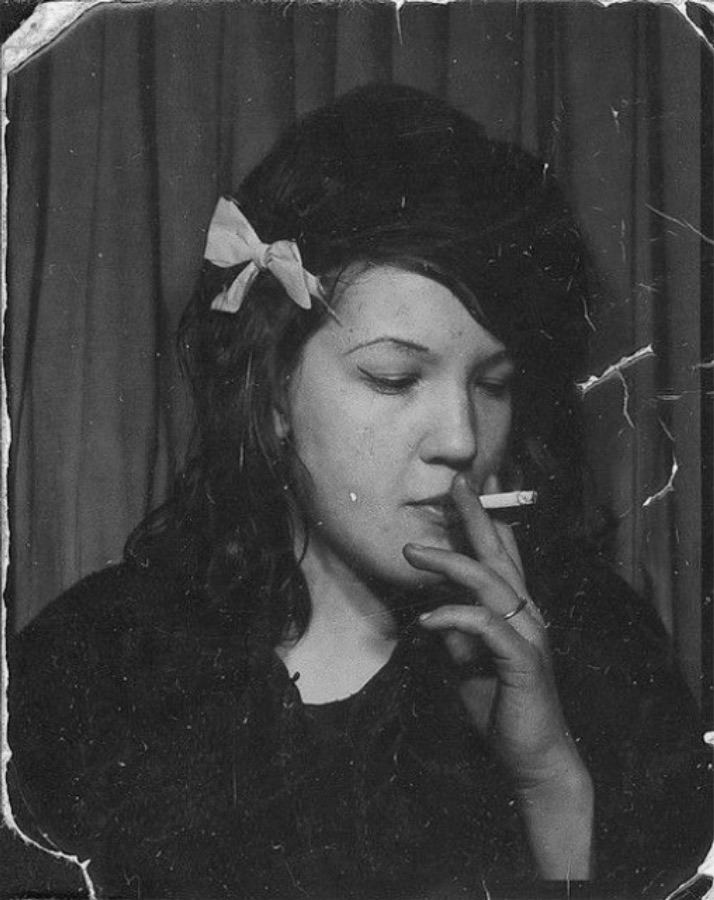
Example — drag the slider to see the color added. Upload your own above.
About this
Colorizing a military photo restores natural color to an old service portrait or unit photo — uniforms, insignia and faces kept faithful. Ideal for honoring a veteran or family member. If the photo is also scratched or damaged, Museum-Grade Restoration restores, colorizes and upscales it in one pass.
More colorize options
FAQ
- How do I colorize military photos?
- Upload the black & white photo and Stork adds realistic, natural color in about a minute — add realistic color to old service and uniform photos. Preview free, then pay $3.99 once to download the full-resolution color file.
- Will it change the faces?
- No — Stork uses a non-generative colorizer that adds color to the real pixels rather than redrawing the image, so faces and detail stay exactly as they were. That's the opposite of generative AI like Gemini, which can invent features.
- Is it free?
- You preview any colorization free (watermarked). The clean, full-resolution download is $3.99 once, or $2.49 with prepaid credits — no subscription, unlike services that bundle a yearly plan.
- Is my photo private?
- Your uploads are processed securely and never shared or sold. The color file is only accessible after you pay to unlock it.