Audio to video, at any length
Upload a podcast episode, a lecture or a narration and one photo of the speaker. You get one lip-synced talking video, however long the audio is. $0.20 a minute, no subscription: a 30-minute episode costs $6.
Credits are 1 cent each, sold in packs from $5. Billed per started 10 seconds, 5 credits minimum.
What a long video costs
You pay per minute of finished video and nothing else. No monthly plan, no minutes that expire.
| Video length | No logo, 720p | Pro, 720p |
|---|---|---|
| 10 minutes | $2 | $4 |
| 30 minutes | $6 | $12 |
| 1 hour | $12 | $24 |
For comparison, we priced the photo-to-talking-video services we could verify in November 2026. Most that take your own photo and audio charge several times more per minute, and most cap a video at 10 minutes or less. See the full price table and test results.
How it works
- 1Upload your audio
An MP3, WAV or M4A of speech, up to 500 MB: a podcast episode, a lecture, an audiobook chapter, a voiceover. For a video of up to about five minutes you can type a script and pick one of 22 voices instead.
- 2Add one photo of the speaker
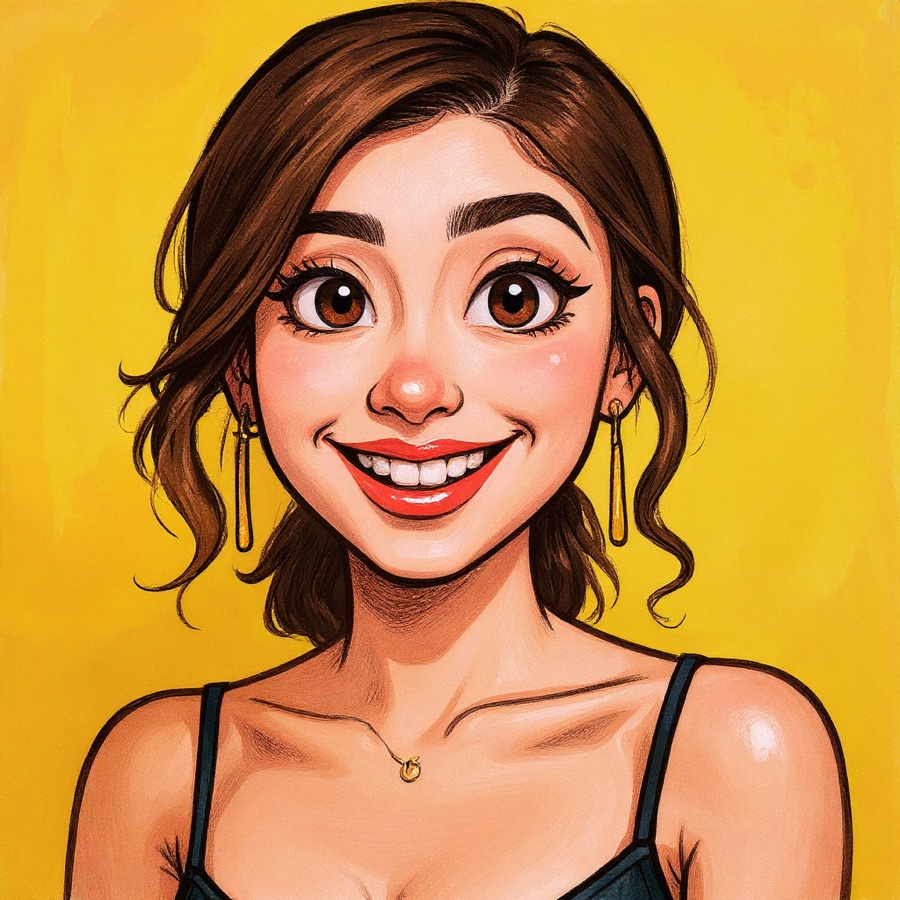
A clear photo with one face looking roughly at the camera. Your own headshot, a presenter you have permission to use, or a drawn character.
- 3Pick a format and start
16:9 for YouTube, 9:16 for Shorts and Reels, or 1:1. You see the exact price before you start. Close the tab if you like: we email you when the video is ready.
What people make with it
Put a face on an audio episode so it can go on YouTube and Spotify video, without filming anything.
Record the lesson once as audio. Turn each one into a presenter video for your course platform.
Give a chapter a narrator on screen: a portrait, a painted character or the author's photo.
Run a faceless channel with a consistent presenter, at a cost that still works when videos are 20 minutes long.
Turn a recorded talk into a video people can watch and share.
Dub the audio into another language and render the same face again for each one.
What you get, and what you do not
The model animates the face and blends it back into your original photo, so the framing, clothes and background stay exactly as they are. It is a presenter talking to camera, not a person walking around a set. That is the trade: head-and-face motion only, at a price where ten minutes of video cost less than one minute does on the models that animate the whole body.
Short clips, greetings and typed scripts live on the talking photo page. Building this into your own product? Use the Talking Photo API.
Frequently asked questions
- How much does it cost to turn audio into video?
- $0.20 per minute of finished video at 720p with no logo, or $0.40 per minute for Pro, which is sharper and steadier. A 10-minute video is $2, 30 minutes is $6 and an hour is $12. You pay with prepaid Stork credits (1 credit = 1 cent, packs from $5). There is no subscription. Billing is per started 10 seconds with a 5-credit minimum, and if a video fails every credit comes back.
- Is there a length limit?
- Not on paid videos. Most talking-avatar tools stop at 10 minutes per video or less, so a full episode has to be cut into pieces and stitched back together. Here you upload the whole file and get one video.
- Can I try it for free?
- Yes. With a free Google sign-in you can make 2 videos a day of up to 1 minute each, with a small stork.ai logo in the corner. That is enough to check how your photo and voice look before paying for a long one.
- How long does a long video take to make?
- Roughly as long as the audio itself, and about twice that on Pro, plus up to two minutes for the renderer to start. A one-hour episode is ready in about an hour. You do not need to keep the page open; we email you a link when it is done.
- What moves in the video?
- The face: lips, jaw, eyes, brows and small head movements, in sync with the speech. Shoulders, hands and background stay as they are in the photo. If you need a presenter who gestures with their hands, this is not the right tool; those models cost about ten to fifty times more per minute.
- Does it work with two speakers, like a NotebookLM audio overview?
- It animates one face per video, so a two-host recording puts both voices on the same face. It works best with one speaker. For a two-host show, split the audio by speaker, render each one with its own photo and cut them together in your editor.
- Which languages does it work in?
- Any language. The lips follow the sound of the audio you upload, not a list of supported languages. The built-in typed-text voices cover 10 languages: English, Arabic, Hindi, Urdu, French, Spanish, Portuguese, Italian, Russian and Turkish.
- Can I type a script instead of uploading audio?
- Yes, for shorter videos. Type or paste up to 5,000 characters (about five minutes of speech), choose one of 22 built-in voices in 10 languages and press Listen to hear it first. For anything longer, upload the audio as a file.
- Is there an API?
- Yes, at the same prices. Send a photo URL and an audio URL, get a job ID, and receive a signed webhook when the MP4 is ready. See stork.ai/developers/talking-photo-api.
- Whose photo can I use?
- Your own face, or someone who has given you permission. You must not use it to deceive, impersonate or harass anyone. Please tell viewers the video is AI-generated wherever you post it.
- What happens to my audio and photo?
- We never sell your uploads. We keep your photo, audio and video, and we review and analyze them, including with AI services (for example, transcribing the audio and describing the photo), to run and improve Stork. Your download link works for 30 days on videos made with credits. Email support@stork.ai and we will delete your files.
Why use Stork for this
We pay for the strong models so your result is worth keeping — not a watered-down free filter.
No subscription and no auto-renewal. Keep a small balance and spend only when you download.
Uploads are processed securely and never shared or sold. The clean file unlocks only after you pay.
See the real result (watermarked) before you spend a cent. Not great? You walk away.