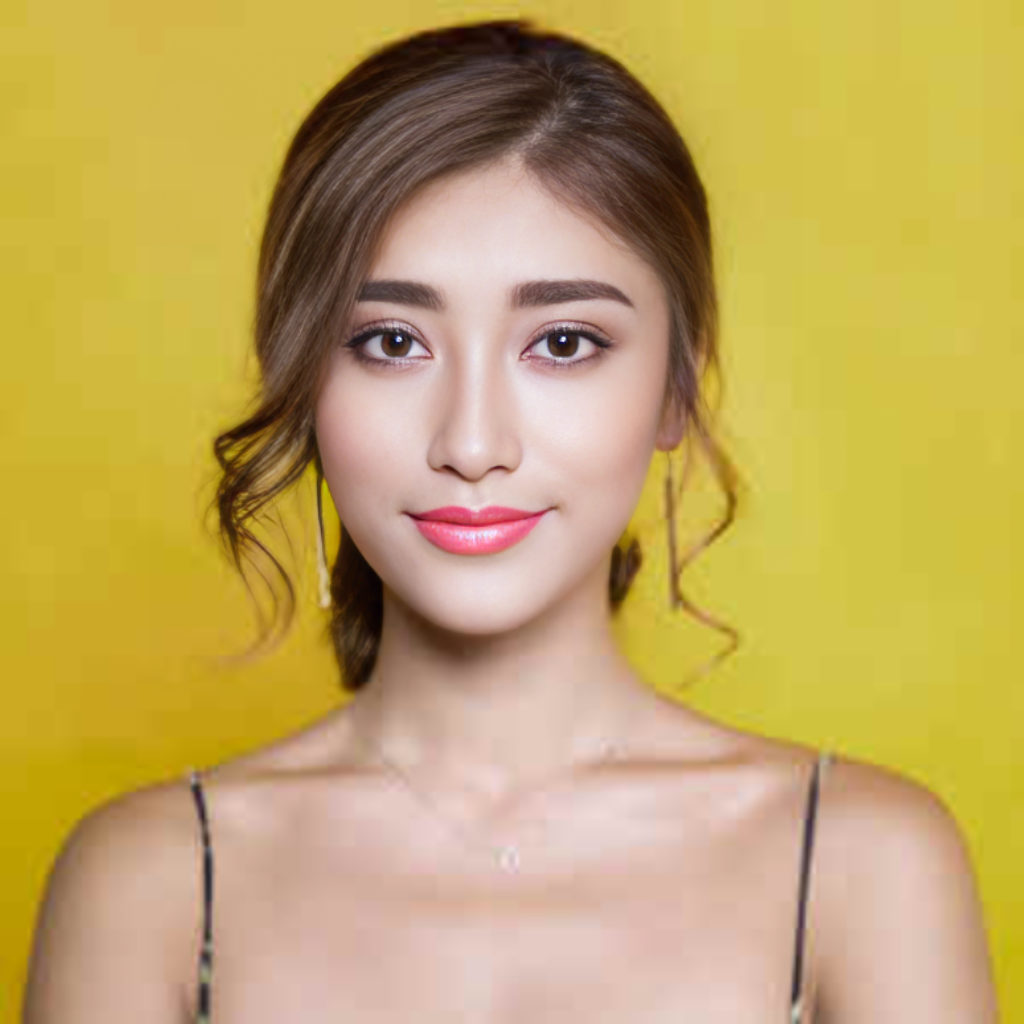
Free AI Talking Photo
Make any photo talk. Add a face and a voice clip, and get a lip-synced video where the lips, head and expression move with the speech. Free to try, no credit card.
Free with a Google sign-in. No credit card.
How it works
- 1Upload a photo
Any photo where one face looks roughly at the camera: a selfie, a portrait or an old family picture. JPG, PNG or WebP.
- 2Add the voice
Record up to 30 seconds in your browser, or upload an MP3, WAV or M4A clip. The face moves its lips, head and expression to match the speech.
- 3Download your video
Your talking video is ready in about a minute (the first one of the day can take two). It keeps the whole photo, with only the face animated.
What is a talking photo?
A talking photo is a short video made from a single still image: an AI model reads the speech in an audio clip and animates the face so the mouth forms the right shapes at the right moment, while the head and eyes move naturally. Stork animates only the face and blends it back into your original photo, so the background, clothes and framing stay exactly as you took them.
What you can use it for
Let a grandparent's portrait say a birthday message in a relative's voice.
Turn a headshot into a short intro, update or announcement.
Animate a portrait, painting or drawn character for a story or a post.
Send a greeting, thank-you or invitation that speaks for itself.
Read more
Frequently asked questions
- Is the AI talking photo free?
- Yes. With a free Google sign-in you can make 2 talking videos a day, up to 30 seconds each. Free videos carry a small stork.ai logo in the corner, which also tells viewers the video is AI-generated. No credit card is needed.
- What kind of photo works best?
- A clear, well-lit photo with one face looking roughly toward the camera. Selfies, headshots and portraits all work. Very small faces, faces in profile and group photos work poorly.
- Can I use my own voice?
- Yes. Record directly in the browser, or upload any audio clip of speech. The lips are synced to whatever audio you provide.
- How long does it take?
- Usually about a minute. The first video after a quiet period can take around two minutes while the renderer starts up.
- Can I animate someone else's photo?
- Only if it is your own face or you have the person's permission. You must not use talking photos to deceive, impersonate or harass anyone.
- Is my photo private?
- Your uploads are used only to make your video, are never shared or sold, and are deleted automatically after 14 days.
Why use Stork for this
We pay for the strong models so your result is worth keeping — not a watered-down free filter.
No subscription and no auto-renewal. Keep a small balance and spend only when you download.
Uploads are processed securely and never shared or sold. The clean file unlocks only after you pay.
See the real result (watermarked) before you spend a cent. Not great? You walk away.