
Unblur a Face in a Photo
Unblur a Face in a Photo with AI — make a blurry face clear — and still look like the person. Preview free, then pay just $3.99 to download. No subscription.
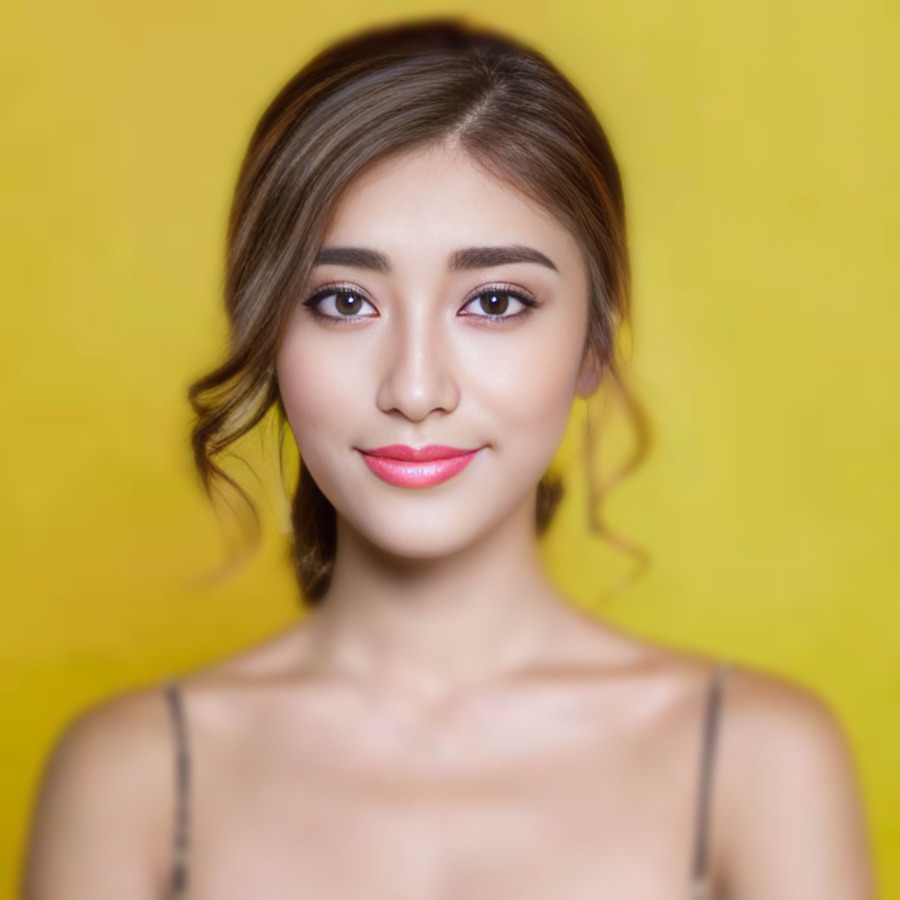

Example — drag the slider to see the sharpening. Upload your own above.
About this
Unblurring a face uses a face-restoration model to rebuild eyes, hair and skin texture from a blurry original. The risk in this category is over-restoration — faces that come back looking like someone else. Stork defaults to a natural fidelity setting and lets you choose stronger reconstruction only if you want it. If the photo is old and damaged too, Photo Restoration handles repair plus sharpening in one pass.
More unblur options
FAQ
- How do I make a blurry face clear?
- Upload the photo above and Stork's AI rebuilds the sharp detail in about a minute. Preview the result free (watermarked), then pay $3.99 once to download the clean file.
- Will it give faces that plastic, over-smoothed look?
- That's the category's #1 complaint, and it's why Stork defaults to a Natural fidelity setting — faithful sharpening first. Want a heavier reconstruction? Switch to Balanced or Strong and regenerate free.
- Is it free?
- You preview any unblur free (watermarked). The clean download is $3.99 once, or $2.49 with prepaid credits — versus Remini's $9.99/week subscription.
- Is my photo private?
- Your uploads are processed securely and never shared or sold. The clean file is only accessible after you pay to unlock it.